
5 Powerful AI Prompts for Professional Email Writing
Table of Content
Table of Content
Email remains one of the most important communication tools for students, employees, freelancers, business owners, and job seekers. Whether you are applying for a job, contacting a client, requesting information, or following up after a meeting, the quality of your email can affect how people respond to you.
Writing a good email may look simple, but it requires careful thinking. You need to choose the right subject line, explain your purpose clearly, maintain a suitable tone, and finish with an appropriate call to action. A message that is too long may lose the reader’s attention, while an email that is too short can sound rude or incomplete.
Artificial intelligence can make this process easier. With a well-written AI prompt, you can generate a complete email, improve an existing draft, change its tone, correct grammar, or personalize it for a particular recipient.
However, an AI tool cannot automatically understand every detail of your situation. The quality of its response depends heavily on the information you provide. A vague instruction such as “write an email” will usually produce a generic result. A detailed prompt containing the purpose, recipient, background, tone, and expected action can generate a much more useful email.
In this guide, you will learn how to use AI for email writing and discover five practical prompts for different situations. You can customize these prompts for ChatGPT or another AI writing assistant.
Why Is Good Email Writing Important?
An email represents you even when you are not present. The recipient may form an opinion about your professionalism, attention to detail, and communication skills based on a single message.
A strong email makes it easy for the reader to understand three things:
- Why you are contacting them
- What information you want to share
- What action you expect them to take
Professional email writing is especially important in situations involving job applications, client communication, customer support, project updates, partnerships, and formal requests. Mistakes in these emails can result in misunderstandings, delayed responses, missed opportunities, or a negative first impression.
For example, imagine that you are contacting a potential freelance client. A message that simply says, “I make websites. Are you interested?” does not explain your experience, the value you offer, or why you contacted that particular business. A personalized email that identifies a genuine problem and suggests a relevant solution has a much better chance of receiving a response.
Good email writing is not about using complicated vocabulary. It is about communicating your message clearly, respectfully, and efficiently.
How Can AI Help with Email Writing?
AI can support different parts of the email-writing process. It can help you create a first draft when you do not know how to begin, or it can improve a draft you have already written.
You can use AI to:
- Generate clear subject-line options
- Organize scattered information
- Correct grammar and spelling
- Make an email more professional
- Simplify complicated sentences
- Change the tone without changing the meaning
- Write polite follow-up messages
- Create personalized cold emails
- Shorten an unnecessarily long email
- Add a clear call to action
This is particularly helpful for people who understand what they want to communicate but have difficulty expressing it in professional English. Instead of copying a completely generic template, they can describe their situation and receive a draft suited to their needs.
AI should still be treated as an assistant rather than a replacement for personal judgment. You must check names, dates, promises, figures, attachments, and other important information before sending the final message.
What Information Should an Email-Writing Prompt Include?
A useful email prompt should provide enough context for the AI to understand the situation. Before using any prompt, identify the following details.
1. The recipient
Mention who will receive the email. It could be a hiring manager, professor, customer, client, manager, colleague, or business owner. The relationship between the sender and recipient affects the language and tone.
2. The purpose
Clearly state why you are writing. For example, you may want to apply for a position, request leave, introduce a service, share an update, or follow up on an earlier conversation.
3. Relevant background
Include only the details the recipient needs. If you are writing a job application email, add your role, skills, experience level, and the source of the job opening. If you are contacting a client, explain what service you provide and how it may help their business.
4. Desired tone
Tell the AI whether the email should sound formal, friendly, confident, apologetic, persuasive, or concise. Avoid combining conflicting instructions such as “extremely formal but casual.”
5. Expected action
Explain what you want the recipient to do after reading the email. You might want them to schedule a call, review a document, approve a request, provide an update, or reply with available dates.
6. Length and format
If necessary, specify the preferred length. For most professional situations, a concise email with short paragraphs works better than a long block of text.
The following prompts combine these elements and can be adapted to real-world situations.
Prompt 1: Write a Professional Job Application Email
Job seekers often focus on their resume but overlook the email used to send it. A well-written application email introduces the candidate, identifies the position, highlights relevant qualifications, and encourages the recruiter to review the attached resume.
Copy and use this prompt
Act as a professional career communication expert.

Write a job application email for the following position:

Job title: [Enter job title]
Company name: [Enter company name]
Hiring manager’s name: [Enter name or write “unknown”]
My name: [Enter your name]
Experience level: [Fresher/experienced professional]
Education: [Enter relevant qualification]
Relevant skills: [List your most relevant skills]
Relevant project or achievement: [Add one strong example]
Where I found the opening: [LinkedIn/company website/referral/other]
Resume or portfolio attached: [Mention the attachments]
Portfolio or LinkedIn link: [Enter link if available]

The email should sound professional, confident, and genuine. It should not sound desperate or contain exaggerated claims. Start with a clear subject line, introduce me briefly, connect my skills to the position, and politely request an opportunity to discuss my application.

Keep the email between 150 and 220 words. Use short paragraphs and finish with a professional sign-off. Do not invent any experience, skills, achievements, or company information.
Why this prompt works
This prompt gives the AI enough information to connect the applicant’s background with the position. It also prevents common problems such as exaggerated claims and unnecessary personal information.
Before sending the generated email, check that your strongest and most relevant skill appears near the beginning. Recruiters frequently receive many applications, so the email should make its purpose clear within the first few lines.
Avoid repeating your entire resume inside the email. Its purpose is to provide a short introduction and encourage the recruiter to open the attached document.
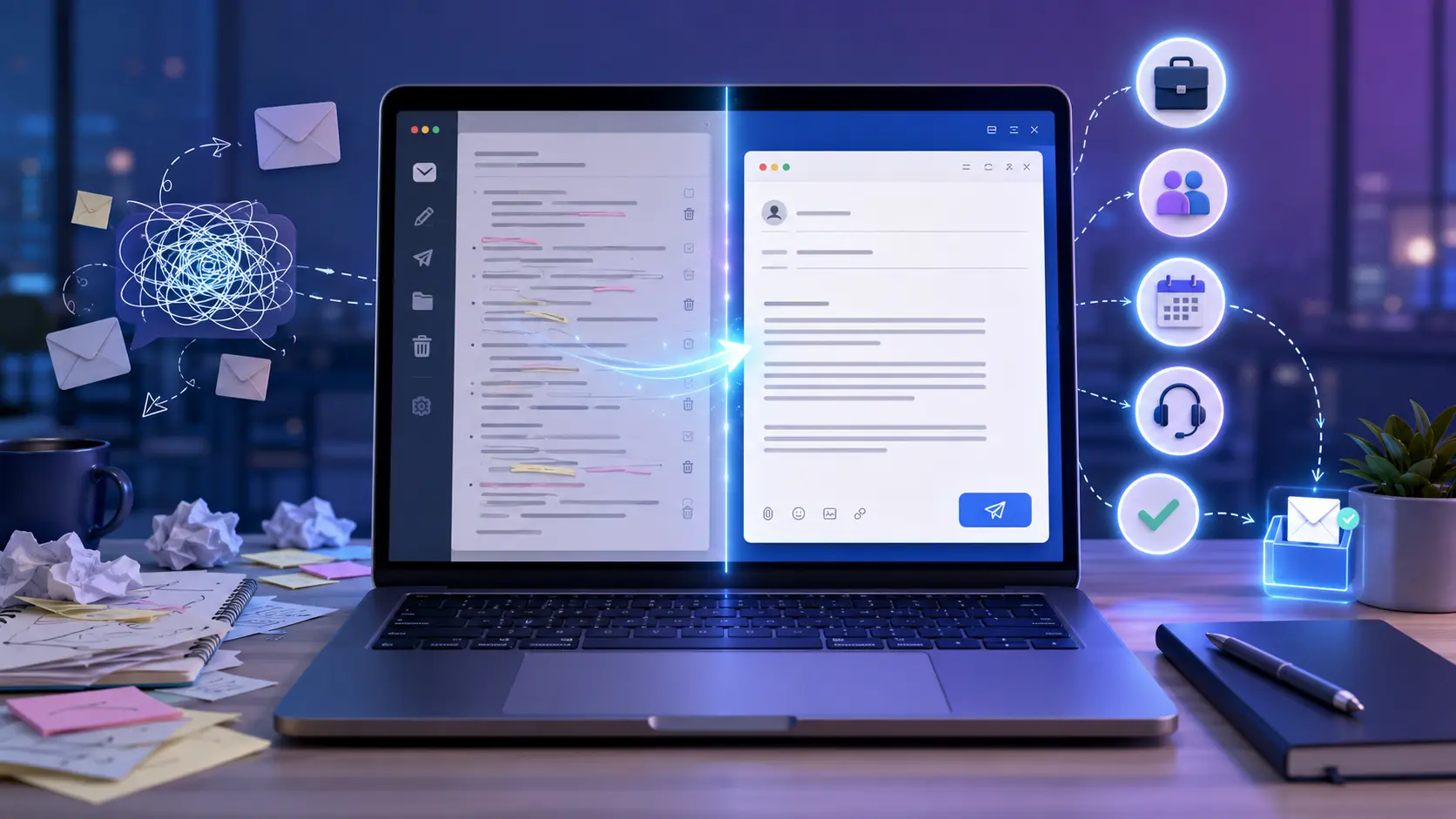
Prompt 2: Create a Personalized Cold Email for a Potential Client
Cold emails can help freelancers and agencies find new clients, but generic sales messages are often ignored. A successful cold email should demonstrate that you understand the recipient’s business and are offering a relevant solution.
Copy and use this prompt
Act as an experienced B2B email copywriter.

Create a personalized cold email for a potential client using the information below:

My name: [Enter your name]
My service: [Website development/SEO/content writing/design/other]
Recipient’s name: [Enter name]
Business name: [Enter business name]
Business type: [Dental clinic/restaurant/local shop/startup/other]
Observation about the business: [Mention a genuine issue or opportunity]
Problem I can help solve: [Describe the problem]
My proposed solution: [Explain your service briefly]
Relevant proof: [Project, result, portfolio, testimonial, or experience]
Offer: [Free audit/sample/short consultation/no-cost discussion]
Preferred next step: [Reply to the email/book a call/review a sample]
Portfolio link: [Enter link]

Write an email that sounds helpful, personal, and professional. Do not use aggressive sales language, fake urgency, or unrealistic guarantees. Begin with a specific subject line. Show that I have researched the business, explain the potential value of my solution, and end with a low-pressure call to action.

Keep the email under 180 words. Use simple English and short paragraphs. Also provide three alternative subject lines.
Why this prompt works
This approach focuses on the potential client instead of immediately talking about the sender. It asks the AI to use a genuine observation, explain the value of the service, and suggest an easy next step.
Personalization must be based on real research. Do not claim that you visited a business, used its product, or noticed a technical issue unless that is true. A false compliment or invented observation can damage trust.
You should also avoid promising guaranteed results. For example, saying “I will increase your sales by 300%” is risky without reliable evidence. A more credible statement would be, “I can help make it easier for customers to discover your services and contact your team.”
Prompt 3: Write a Polite Follow-Up Email
People do not always respond to the first email. They may be busy, waiting for information, or simply forget to reply. A follow-up email should remind the recipient without making them feel pressured.
Copy and use this prompt
Act as a professional business communication assistant.

Write a polite follow-up email based on these details:

Recipient: [Client/recruiter/manager/professor/other]
Recipient’s name: [Enter name]
Original email date: [Enter date]
Original email subject: [Enter subject]
Reason for the original email: [Explain briefly]
Important information already shared: [List the key details]
Response or action I am waiting for: [Explain what you need]
Relevant deadline: [Enter deadline or write “none”]
Number of previous follow-ups: [Enter number]
Relationship with the recipient: [Formal/existing client/colleague/other]

The follow-up should be respectful, concise, and professional. Mention the earlier email without blaming the recipient. Restate the required action clearly and explain the deadline only if one exists. Do not create false urgency.

Give me:
1. A suitable subject line
2. The complete follow-up email
3. A shorter version under 70 words

Use a warm but professional tone and include a polite call to action.
Why this prompt works
The prompt helps the AI determine how direct the follow-up should be. A first reminder may be soft and friendly, while a later follow-up may need a clearer request.
The short version is useful when the original message already contains all the necessary information. You can reply within the same email thread and add a brief reminder above the previous message.
A follow-up should never make assumptions about why the person has not replied. Avoid statements such as “You are ignoring my email” or “I have contacted you many times.” Instead, use neutral language, such as “I wanted to follow up on my previous email regarding…”
Prompt 4: Improve and Rewrite an Existing Email
Sometimes you already have a draft but are unsure about its grammar, clarity, tone, or structure. In this situation, AI can act as an editor while preserving your original meaning.
Copy and use this prompt
Act as a professional email editor.

Review and rewrite the email I provide below. Preserve all facts and the original purpose, but improve its grammar, clarity, tone, and structure.

Recipient: [Enter the recipient’s role]
My relationship with the recipient: [Manager/client/recruiter/colleague/other]
Purpose of the email: [Explain the purpose]
Preferred tone: [Formal/friendly/confident/apologetic/persuasive]
Desired length: [Short/medium/specific word limit]
Important details that must remain: [List them]
Words or phrases to avoid: [Optional]

My original email:
[Paste your complete draft here]

Complete the following tasks:

1. Identify any unclear, overly emotional, rude, repetitive, or grammatically incorrect parts.
2. Rewrite the email using simple and professional English.
3. Create a clear subject line.
4. Preserve every important name, date, amount, link, and request.
5. Do not add facts, commitments, deadlines, or promises that are not present in my draft.
6. End with a clear and polite next step.

After the rewritten email, briefly explain the three most important improvements you made.
Why this prompt works
The instruction asks the AI to edit the message without changing its factual content. This matters because some tools may add details in an attempt to make the message sound complete.
The short explanation also helps you learn from the revision. You can compare the original version with the improved version and identify issues such as long sentences, unclear requests, repetition, or inappropriate tone.
Read the final draft aloud before sending it. This is a simple way to identify phrases that sound unnatural or more formal than necessary.
Prompt 5: Write an Apology or Problem-Resolution Email
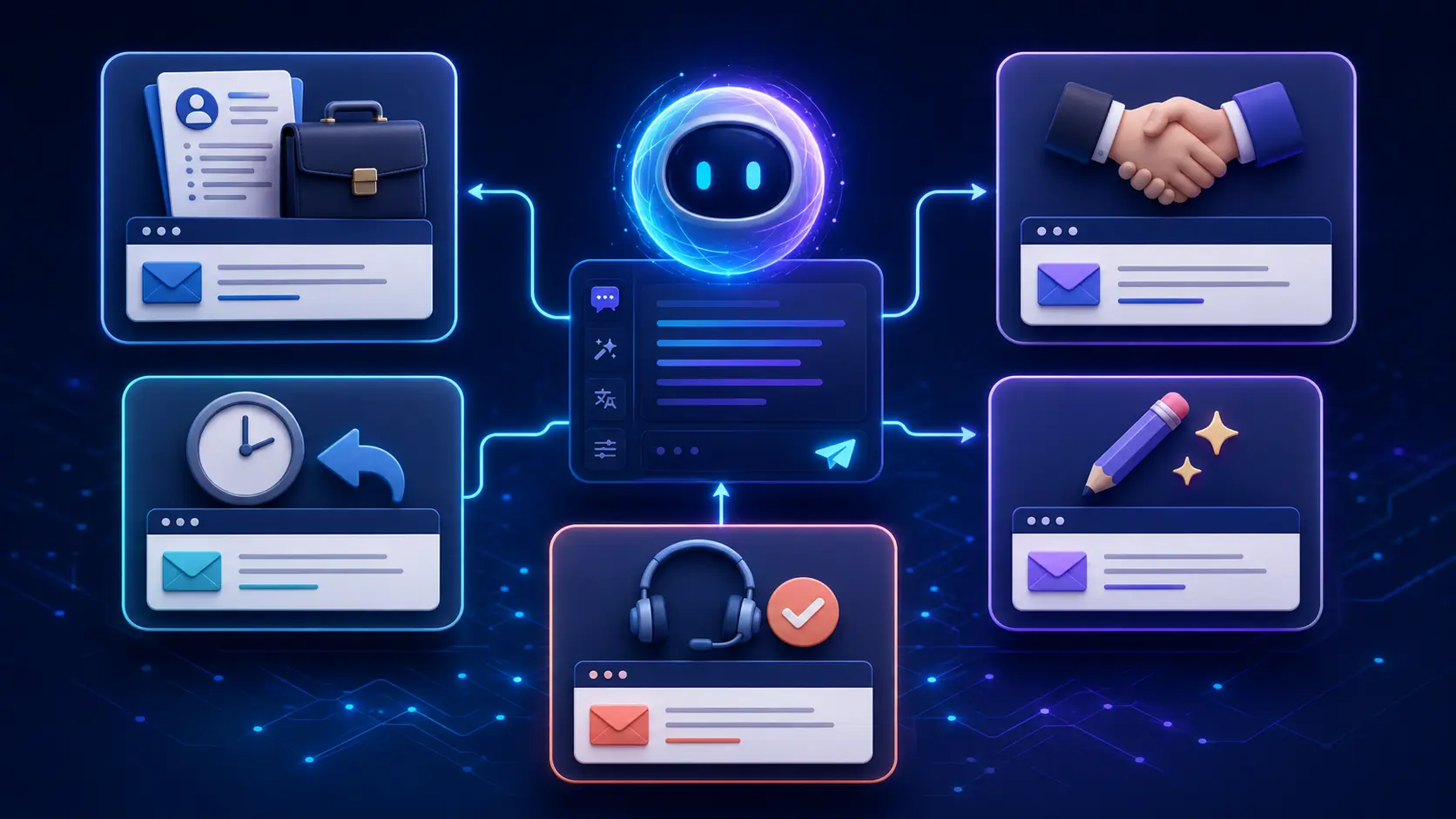
An apology email requires balance. It should acknowledge the issue, take appropriate responsibility, explain the next step, and avoid defensive language. At the same time, it should not admit to facts or legal responsibility that have not been confirmed.
Copy and use this prompt
Act as a senior customer communication specialist.

Write a professional apology and problem-resolution email using the following information:

Recipient’s name: [Enter name]
My role or company: [Enter details]
Problem that occurred: [Describe the confirmed facts]
How the recipient was affected: [Explain the impact]
Cause of the problem: [Enter confirmed cause or write “still under investigation”]
Responsibility we can appropriately acknowledge: [Enter details]
Action already taken: [Explain what has been done]
Proposed solution: [Refund/replacement/correction/new deadline/other]
Expected resolution date: [Enter date]
What I need from the recipient: [Information, confirmation, or no action]
Contact method for additional help: [Enter details]

Write the email in a calm, sincere, and professional tone. Clearly acknowledge the inconvenience and explain the solution. Do not blame another person, make excuses, use legal admissions, or invent information. If the cause is not confirmed, state that it is being investigated.

Include:
1. A clear subject line
2. The complete email
3. A brief closing that rebuilds trust

Keep the email between 150 and 250 words and use short paragraphs.
Why this prompt works
This prompt separates confirmed facts from uncertain information. It encourages a genuine apology while preventing the AI from inventing a reason for the problem.
A useful apology email should focus on resolution. Customers generally want to know what happened, what is being done, and when the issue will be resolved. A long explanation that does not offer a solution may make the situation worse.
Avoid phrases that weaken the apology, such as “We are sorry if you were inconvenienced.” If the inconvenience is confirmed, acknowledge it directly. A clearer alternative is, “We sincerely apologize for the delay and the inconvenience it caused.”
How to Personalize an AI-Generated Email
Never send the first generated version without reviewing it. AI-written emails can be grammatically correct but still sound generic or impersonal.
Start by checking the recipient’s name and role. Then replace broad statements with specific information. Instead of writing, “I admire your company,” mention a genuine product, service, project, or value that attracted your attention.
You should also remove phrases you would never use naturally. An email should sound like a polished version of you, not like an entirely different person.
Check the message from the recipient’s perspective. Ask yourself:
- Is the reason for the email immediately clear?
- Does the recipient have enough context?
- Is there one clear next step?
- Are any claims difficult to prove?
- Is the email longer than necessary?
- Does the tone suit the relationship?
If the answer to any of these questions is no, edit the draft before sending it.
Common Mistakes to Avoid When Using AI for Emails
One common mistake is providing too little context. If the AI does not know the recipient, goal, or background, it will create a broad template that may not fit your situation.
Another mistake is accepting invented information. An AI assistant may add a date, result, qualification, or company detail that sounds convincing but is incorrect. Every factual statement must be verified.
You should also avoid sharing confidential information unnecessarily. Do not paste passwords, financial information, private customer data, internal company documents, or sensitive personal details into an AI tool.
Overly formal language is another frequent problem. Expressions such as “I humbly beseech your esteemed consideration” may sound unnatural in a normal professional email. Clear and respectful language is usually more effective.
Finally, do not use the same generated cold email for hundreds of recipients. Bulk messages without meaningful personalization are easier to ignore and may be treated as spam.
A Simple Structure for Professional Emails
Most professional emails can follow this structure:
Subject line: Clearly describe the purpose.
Greeting: Use the recipient’s name when available.
Opening: Introduce the reason for your email.
Main message: Provide the necessary background or details.
Call to action: State what you want the recipient to do.
Closing: Thank the reader and use an appropriate sign-off.
This structure is flexible. A follow-up email may require only a few sentences, while a detailed project update may need headings or bullet points. The goal is not to make every email identical but to help the reader find the important information quickly.
Final Thoughts
AI can save time and reduce the stress of email writing, especially when you are unsure how to begin or how to express your message professionally. The key is to provide specific context and clear instructions.
The five prompts in this guide cover job applications, client outreach, follow-ups, email editing, and problem-resolution messages. You can customize them for different industries and situations by replacing the bracketed information with accurate details.
Always review the generated email before sending it. Confirm the facts, personalize the wording, remove unnecessary phrases, and make sure the call to action is clear. AI can create a strong draft, but your judgment and knowledge of the recipient turn that draft into an effective message.
Frequently Asked Questions
1. Can AI write a complete professional email?
Yes. AI can create a subject line, greeting, main message, call to action, and closing. For a useful result, provide details about the recipient, purpose, background, tone, and desired response. Always review the draft for accuracy before sending it.
2. Is it safe to send an AI-generated email without editing it?
No. You should check every generated email for incorrect facts, invented details, unsuitable language, and formatting mistakes. You should also personalize the message so that it fits your relationship with the recipient.
3. How can I make an AI-written email sound more human?
Add genuine details, use words you would naturally choose, and mention the recipient’s specific situation. You can also instruct the AI to use simple language, varied sentence lengths, and a warm but professional tone.
4. What information should I avoid sharing with an AI email tool?
Avoid sharing passwords, payment information, private customer records, confidential business documents, medical details, and other sensitive information. Replace confidential data with placeholders whenever possible.
5. How long should a professional email be?
There is no fixed length, but most professional emails should be concise. A routine request or follow-up may need only 50 to 150 words, while a job application or problem-resolution email may require 150 to 250 words. Include enough information to make the purpose and next step clear.