
Complete Python Notes PDF Beginner to Advanced with Programs
Download complete Python Notes PDF covering beginner to advanced concepts, syntax, programs, OOP, files, APIs, databases, projects, interview questions and practice problems
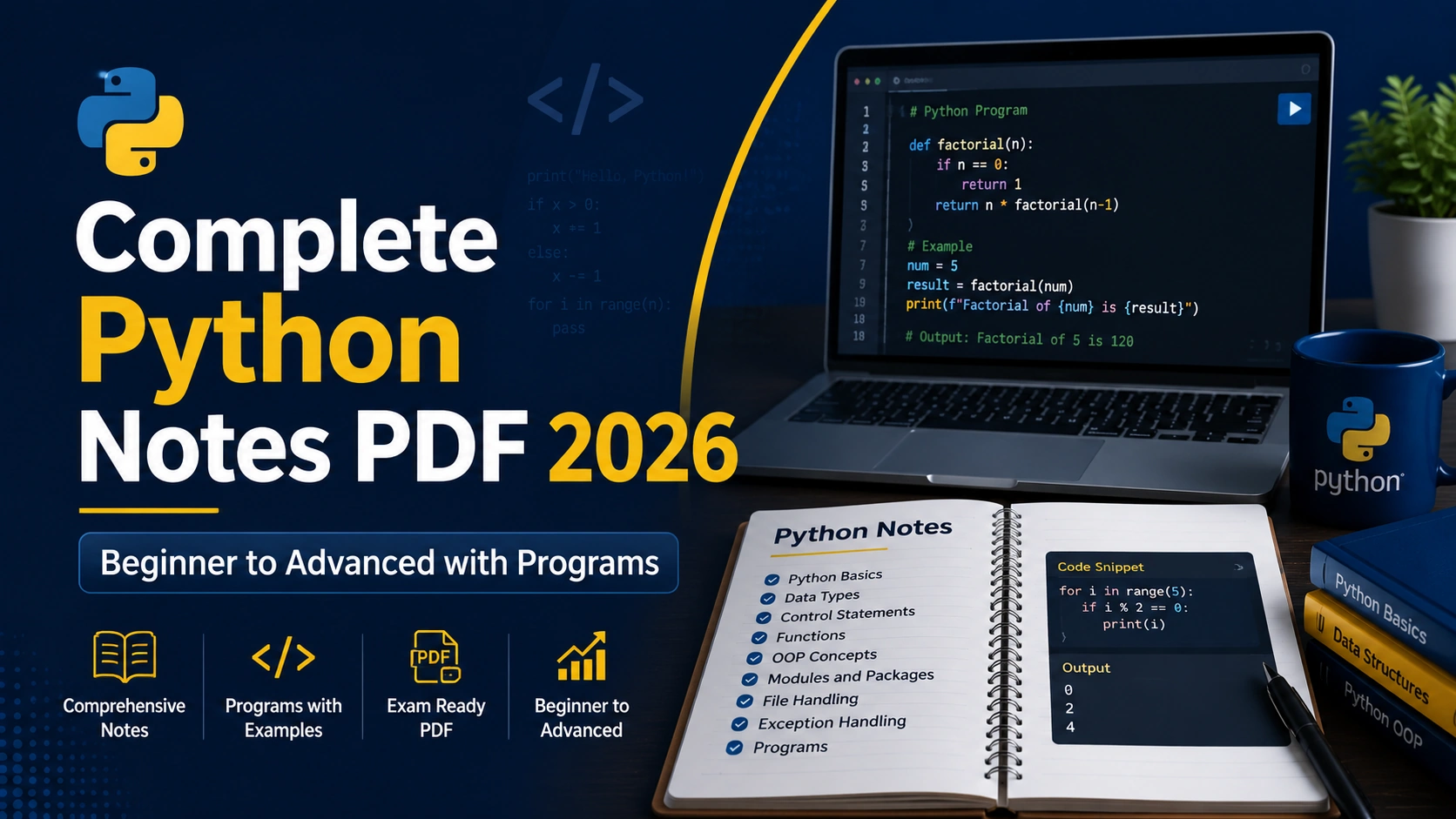
Python has become one of the most important programming languages for students, developers, data professionals, automation engineers, and anyone who wants to build a career in technology. Whether you are learning programming for the first time or preparing for technical interviews, having well-structured Python notes can save a huge amount of time.
The problem is that Python learning material is available everywhere, but it is often scattered. One tutorial explains variables, another focuses on functions, another covers object-oriented programming, and students eventually end up opening ten different websites just to revise one subject.
That is why a complete Python Notes PDF can be extremely useful.
A properly organized Python PDF should not only explain syntax. It should help you understand how Python works, where concepts are used, how programs are written, how errors are handled, how files and databases are connected, and how Python is applied in real-world development.
In this guide, we will explore the complete Python learning path from beginner to advanced level, along with practical examples, programming concepts, projects, interview preparation, and study strategies.
1. What Is Python?
Python is a high-level, general-purpose programming language known for its simple and readable syntax.
It was designed to make programming easier to understand while still being powerful enough to build real-world software applications.
Python is widely used in areas such as:
- Web development
- Artificial intelligence
- Machine learning
- Data science
- Automation
- Cybersecurity
- Backend development
- Desktop applications
- Scientific computing
- API development
- DevOps
- Testing
- Web scraping
One of the biggest reasons Python is popular among beginners is that its syntax is very close to normal English.
For example:
print("Hello, World!")
This single line prints a message on the screen.
In some programming languages, even a basic program requires several lines of boilerplate code. Python allows students to focus more on problem-solving instead of complicated syntax.
2. Why Should You Learn Python?
Python is one of the best programming languages for beginners, but its usefulness goes far beyond beginner-level programming.
There are several reasons to learn Python.
Easy to Learn
Python has clean syntax and fewer complicated rules compared with many traditional programming languages.
For example, checking whether someone is eligible to vote can be written as:
age = 21

if age >= 18:
    print("Eligible to vote")
The logic is easy to understand even for someone who has just started learning programming.
Huge Ecosystem
Python has thousands of libraries that help developers build applications quickly.
Some popular libraries include:
- NumPy
- Pandas
- Matplotlib
- Flask
- Django
- FastAPI
- Requests
- BeautifulSoup
- TensorFlow
- PyTorch
- Scikit-learn
Instead of building everything from scratch, developers can use existing libraries.
Used in Multiple Career Paths
Learning Python does not limit you to one job role.
Python skills can be useful for:
- Python Developer
- Backend Developer
- Data Analyst
- Data Scientist
- Machine Learning Engineer
- AI Engineer
- Automation Engineer
- DevOps Engineer
- Cybersecurity Analyst
- QA Automation Engineer
This flexibility makes Python valuable for both students and professionals.
3. Python Installation and Development Environment
Before writing Python programs, you need a Python interpreter.
Python programs can be written using several tools.
Popular options include:
- IDLE
- Visual Studio Code
- PyCharm
- Jupyter Notebook
- Google Colab
- Terminal or Command Prompt
After installing Python, you can verify the installation using:
python --version
Or on some systems:
python3 --version
A good beginner setup is usually Python with Visual Studio Code because it provides syntax highlighting, extensions, debugging tools, and an integrated terminal.
4. Python Syntax and First Program
Python syntax is designed to be readable.
Your first Python program can be:
print("Welcome to Python")
Python uses indentation to define blocks of code.
Example:
age = 20

if age >= 18:
    print("Adult")
The indented line belongs to the if statement.
Incorrect indentation may generate an error.
Unlike many languages, Python does not require curly brackets for code blocks.
5. Variables and Data Types
Variables are used to store values.
Example:
name = "Aditya"
age = 22
price = 499.99
Python automatically determines the data type.
Important Python data types include:
Integer
age = 25
Float
temperature = 28.5
String
language = "Python"
Boolean
is_active = True
List
skills = ["Python", "JavaScript", "SQL"]
Tuple
coordinates = (10, 20)
Set
numbers = {1, 2, 3}
Dictionary
student = {
    "name": "Rahul",
    "age": 21
}
Understanding data types is extremely important because almost every Python program uses them.
6. Operators in Python
Operators are symbols used to perform operations.
Arithmetic Operators
a = 10
b = 5

print(a + b)
print(a - b)
print(a * b)
print(a / b)
Common arithmetic operators include:
+-*/%//**
Comparison Operators
Examples:
print(10 > 5)
print(10 == 10)
print(5 != 3)
These operators return Boolean values.
Logical Operators
Python provides:
andornot
Example:
age = 22
has_id = True

if age >= 18 and has_id:
    print("Entry allowed")
7. Input and Output
The input() function allows users to enter information.
Example:
name = input("Enter your name: ")
print("Hello", name)
Remember that input() returns a string by default.
To accept numbers:
age = int(input("Enter your age: "))
This converts the user input into an integer.
8. Conditional Statements
Conditional statements allow programs to make decisions.
Python provides:
- if
- elif
- else
Example:
marks = 75

if marks >= 80:
    print("Excellent")
elif marks >= 60:
    print("Good")
else:
    print("Keep practicing")
Conditions are used everywhere in software applications.
For example:
- Checking login credentials
- Validating payments
- Checking user permissions
- Applying discounts
- Validating form data
9. Loops in Python
Loops are used to repeat tasks.
Python mainly provides two loops:
For Loop
for number in range(1, 6):
    print(number)
Output:
1
2
3
4
5
While Loop
count = 1

while count <= 5:
    print(count)
    count += 1
Loops are useful for processing collections, reading files, generating reports, automating repetitive tasks, and solving programming problems.
10. Strings
Strings are collections of characters.
Example:
message = "Python Programming"
You can access individual characters:
print(message[0])
Python also supports slicing:
print(message[0:6])
Useful string methods include:
text = "python programming"

print(text.upper())
print(text.capitalize())
print(text.replace("python", "Java"))
String manipulation is heavily used in text processing, user input validation, APIs, web applications, and automation.
11. Lists
Lists store multiple items in one variable.
Example:
languages = ["Python", "Java", "C++"]
You can add items:
languages.append("JavaScript")
Remove items:
languages.remove("Java")
Loop through a list:
for language in languages:
    print(language)
Lists are one of the most frequently used data structures in Python.
12. Tuples
Tuples are similar to lists, but they are immutable.
Example:
location = (19.07, 72.87)
Once created, tuple values cannot normally be modified.
Tuples are useful when data should remain fixed.
Examples include:
- Coordinates
- Configuration values
- Database records
- Constant collections
13. Sets
Sets store unique values.
Example:
numbers = {1, 2, 2, 3, 4}
print(numbers)
Duplicate values are automatically removed.
Sets are useful for operations such as:
- Removing duplicates
- Checking membership
- Comparing groups of data
14. Dictionaries
Dictionaries store information as key-value pairs.
Example:
student = {
    "name": "Amit",
    "course": "Python",
    "marks": 85
}
Access a value:
print(student["name"])
Dictionaries are extremely important in modern development because JSON data received from APIs often has a similar structure.
15. Functions
Functions allow you to write reusable blocks of code.
Example:
def greet(name):
    print("Hello", name)

greet("Rahul")
Functions improve:
- Code readability
- Reusability
- Maintainability
- Testing
Functions can also return values.
def add(a, b):
    return a + b

result = add(10, 20)
print(result)
As programs become larger, functions become essential for organizing code.
16. Modules and Packages
A Python module is a file containing reusable Python code.
For example:
import math

print(math.sqrt(25))
Python also allows you to install third-party packages using pip.
Example:
pip install requests
Then:
import requests
Packages allow developers to extend Python without building everything manually.
17. Object-Oriented Programming
Object-oriented programming, commonly called OOP, is one of the most important advanced Python topics.
Major OOP concepts include:
- Class
- Object
- Constructor
- Inheritance
- Encapsulation
- Polymorphism
- Abstraction
Example:
class Student:
    def __init__(self, name):
        self.name = name

    def display(self):
        print(self.name)

student1 = Student("Rahul")
student1.display()
Here, Student is a class and student1 is an object.
OOP is heavily used in larger software applications because it helps developers organize related data and behavior.
18. Exception Handling
Programs can fail because of invalid input, unavailable files, network problems, database errors, and many other issues.
Python allows developers to handle errors using exception handling.
Example:
try:
    number = int(input("Enter number: "))
    print(100 / number)

except ValueError:
    print("Please enter a valid number")

except ZeroDivisionError:
    print("Cannot divide by zero")
Good exception handling makes applications more stable and user-friendly.
19. File Handling
Python can create, read, update, and delete files.
Example:
with open("notes.txt", "w") as file:
    file.write("Python Notes")
Reading the file:
with open("notes.txt", "r") as file:
    print(file.read())
File handling is useful for:
- Logs
- Reports
- Configuration files
- CSV processing
- Automation
- Data storage
20. Advanced Python Concepts
Once you understand core Python, you can move toward advanced concepts.
Important topics include:
List Comprehension
squares = [x * x for x in range(1, 6)]
print(squares)
Lambda Functions
square = lambda x: x * x
print(square(5))
Generators
Generators allow Python to produce values gradually instead of storing everything in memory.
def numbers():
    for i in range(5):
        yield i
Decorators
Decorators allow developers to modify or extend function behavior.
Iterators
Iterators help process sequences one item at a time.
Context Managers
Context managers help manage resources such as files and database connections safely.
These concepts are especially important when working with production-level Python applications.
21. Python Standard Library
Python provides a large standard library.
Useful modules include:
ossysmathrandomdatetimejsoncsvpathlibcollectionsstatistics
Example:
from datetime import datetime

print(datetime.now())
Learning the standard library helps you solve many problems without installing external packages.
22. Working with APIs
Modern applications frequently communicate using APIs.
Python's requests library makes API calls easy.
Example:
import requests

response = requests.get("https://api.example.com/data")

print(response.status_code)
You can also work with JSON responses:
data = response.json()
print(data)
API knowledge is important for backend developers, automation engineers, data analysts, and application developers.
23. Database Programming with Python
Python applications often need databases.
Popular database options include:
- SQLite
- MySQL
- PostgreSQL
- MongoDB
SQLite support is available directly through Python.
Example:
import sqlite3

connection = sqlite3.connect("students.db")

cursor = connection.cursor()

cursor.execute("""
CREATE TABLE IF NOT EXISTS students (
    id INTEGER PRIMARY KEY,
    name TEXT
)
""")

connection.commit()
connection.close()
Database programming is essential when building real-world applications such as login systems, dashboards, e-commerce websites, booking platforms, and management systems.
24. Python for Automation
Automation is one of the most practical uses of Python.
Python can automate tasks such as:
- Renaming files
- Sending emails
- Processing spreadsheets
- Generating reports
- Scraping websites
- Organizing folders
- Monitoring websites
- Processing images
- Managing backups
For example:
import os

files = os.listdir("documents")

for file in files:
    print(file)
Learning automation is a great way to turn Python knowledge into useful real-world skills.
25. Python for Data Science and Artificial Intelligence
Python is widely used in data science and AI.
Popular libraries include:
NumPy
Used for numerical computing.
Pandas
Used for data analysis and manipulation.
Matplotlib
Used for data visualization.
Scikit-learn
Used for traditional machine learning.
TensorFlow
Used for deep learning.
PyTorch
Popular for AI research and deep learning applications.
Example using Pandas:
import pandas as pd

data = {
    "Name": ["Amit", "Rahul"],
    "Marks": [85, 90]
}

df = pd.DataFrame(data)

print(df)
Students interested in AI or data science should first build strong Python fundamentals before moving deeply into these libraries.
26. Testing and Debugging
Writing code is only one part of programming.
Finding and fixing problems is equally important.
Common Python errors include:
- SyntaxError
- NameError
- TypeError
- ValueError
- IndexError
- KeyError
Developers should learn how to read traceback messages instead of becoming confused by them.
Python also supports testing frameworks such as:
- unittest
- pytest
Testing becomes increasingly important in larger applications.
27. Python Projects for Practice
The best way to learn Python is to build projects.
Start with simple projects and gradually increase complexity.
Beginner projects:
- Calculator
- Number guessing game
- Password generator
- Quiz application
- Unit converter
- Expense tracker
- To-do list
Intermediate projects:
- Contact management system
- Student management system
- Weather application
- File organizer
- Web scraper
- URL shortener
- API-based application
Advanced projects:
- REST API
- Authentication system
- E-commerce backend
- AI chatbot
- Automation dashboard
- Data analytics dashboard
- Recommendation system
- Machine learning application
A project forces you to combine multiple Python concepts instead of learning each topic separately.
28. Common Mistakes Python Beginners Make
Many students understand Python syntax but still struggle with programming because they follow ineffective learning methods.
Memorizing Instead of Practicing
Programming cannot be learned by reading alone.
After every topic, write your own programs.
Jumping Directly to AI or Django
Frameworks and AI libraries look exciting, but starting too early can create confusion.
First understand:
- Variables
- Conditions
- Loops
- Functions
- Data structures
- OOP
- Exceptions
- Files
Then move toward frameworks.
Copy-Pasting Code
Copying code can help initially, but you must eventually understand every line.
Try rewriting programs without looking at the solution.
Ignoring Errors
Errors are part of programming.
Learn to read error messages carefully.
Learning Without Projects
Tutorials explain concepts, while projects teach problem-solving.
Both are necessary.
29. How to Study Python Effectively
A structured learning strategy can dramatically improve your progress.
Step 1: Learn Basic Syntax
Focus on variables, data types, input, operators, and conditions.
Step 2: Master Loops and Data Structures
Practice lists, tuples, sets, dictionaries, strings, and loops.
Step 3: Learn Functions
Functions are essential for writing structured programs.
Step 4: Practice OOP
Create simple classes such as Student, Employee, BankAccount, and Product.
Step 5: Learn Files and Exceptions
Build small programs that save and load data.
Step 6: Study Advanced Python
Move toward generators, decorators, iterators, comprehensions, and modules.
Step 7: Learn APIs and Databases
These skills make Python useful for real applications.
Step 8: Build Projects
Build at least three complete projects.
Step 9: Solve Programming Problems
Practice logic regularly.
Step 10: Choose a Specialization
After learning Python fundamentals, choose a path such as:
- Web development
- Data science
- AI
- Automation
- Cybersecurity
- DevOps
- Backend development
30. Python Interview Preparation
Technical interviews often test both Python knowledge and problem-solving ability.
Important areas include:
- Python data types
- Lists vs tuples
- Sets and dictionaries
- Mutable vs immutable objects
- Functions
*argsand**kwargs- Lambda functions
- OOP
- Inheritance
- Exception handling
- Generators
- Decorators
- Modules
- File handling
- List comprehensions
- Memory management
- APIs
- Databases
You should also practice coding problems such as:
- Reverse a string
- Check palindrome
- Find duplicate values
- Count character frequency
- Find largest number
- Sort a list
- Remove duplicates
- Fibonacci sequence
- Prime number check
- Factorial
- Word frequency
- Merge dictionaries
During interviews, explaining your logic clearly can be just as important as producing the correct output.
How a Complete Python Notes PDF Can Help Students
A structured PDF is especially useful for revision.
Instead of reopening multiple tutorials before exams or interviews, students can quickly revise important concepts from one place.
A good Python Notes PDF should ideally contain:
- Complete Python syllabus
- Beginner concepts
- Advanced Python topics
- Syntax examples
- Programming examples
- OOP
- File handling
- Exception handling
- APIs
- Databases
- Practical projects
- Practice questions
- Interview questions
- Quick revision material
Students can use the notes alongside coding practice rather than treating the PDF as a replacement for programming.
The best learning method is simple:
Read the concept, understand the example, type the program yourself, modify it, break it, fix the error, and then build something using it.
That process develops actual programming ability.
Final Thoughts
Python is one of the most beginner-friendly programming languages, but becoming good at Python requires more than learning a few commands.
You need to understand how programming logic works.
Start with the fundamentals and gradually move toward functions, data structures, object-oriented programming, file handling, APIs, databases, testing, automation, and advanced concepts.
Most importantly, write code consistently.
Even thirty to sixty minutes of practical coding every day can produce better results than reading programming tutorials for several hours without writing a single program.
If you are using the Complete Python Notes PDF for study, use it as a reference guide while practicing the examples on your computer.
Do not try to memorize every function.
Understand why a concept exists, when it should be used, and how it solves real problems.
Once your fundamentals become strong, Python opens many possible career directions including backend development, artificial intelligence, data science, automation, cybersecurity, DevOps, and software engineering.
The goal should not simply be to "finish Python."
The goal should be to become comfortable solving problems using Python.
Frequently Asked Questions
1. Is Python suitable for complete beginners?
Yes. Python is considered one of the best programming languages for beginners because its syntax is clean and easy to understand. Students can start with basic concepts such as variables, conditions, loops, and functions before moving toward advanced programming.
2. What topics should complete Python notes include?
Complete Python notes should cover syntax, variables, data types, operators, input/output, conditions, loops, strings, lists, tuples, sets, dictionaries, functions, modules, OOP, exceptions, file handling, advanced concepts, APIs, databases, testing, projects, and interview preparation.
3. Can I learn Python only by reading notes?
Notes are excellent for understanding and revision, but programming requires practical coding. You should type examples yourself, solve programming problems, and build projects alongside your Python notes.
4. How long does it take to learn Python?
Basic Python can often be understood within a few weeks of consistent learning. Becoming comfortable with practical Python development may take several months depending on your practice time, previous programming experience, and chosen specialization.
5. What should I learn after Python fundamentals?
After mastering Python fundamentals, choose a direction based on your career goal. You can learn Django or FastAPI for backend development, Pandas and machine learning libraries for data science, automation libraries for scripting, or Python security tools for cybersecurity.